
Image Compressor & Resizer
Image Compression, Quality, and Resolution Management | webtoolrack
Source Image
Resizing (Resolution Reduction)
Compression (Quality Reduction)
Original Size (Bytes)
N/A
(0x0 px)
Compressed Size (Bytes)
N/A
(0x0 px)
Total Reduction
0%
Quality & Resolution
Compressed Image Preview
Please upload an image to start compression.
Adjust Quality and Resolution above.
Message
The Image Compressor tool decreases the file size of photographs while sustaining their visual quality. Compression is supported for all common image formats like PNG or JPEG and WebP.
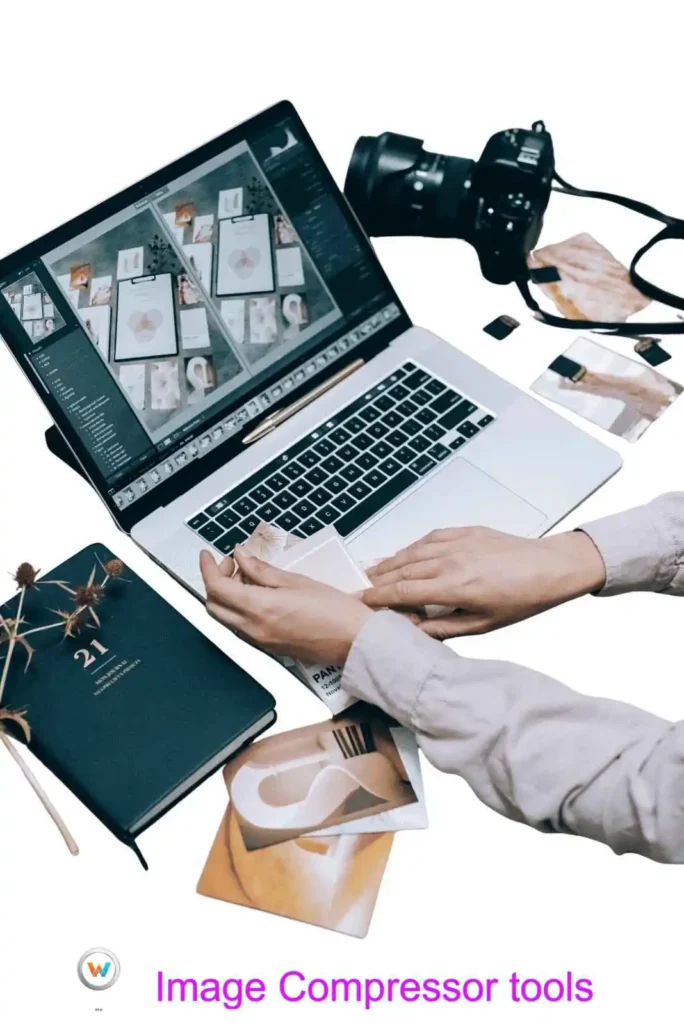
What is an image compressor?
An image compressor tool decreases the file size of photographs while sustaining their visual quality. Images with big file sizes can consume more storage space and make sharing on various platforms difficult. This is where an image compressor can help. Whether you are working with photos, graphics, or website images, this application or online software makes your files lighter and easier to use. It is proposed to support common picture formats and provide fast results.
How Does This Tool Work For You?
Using the Webtoolrack Image Compressor is simple fast and beginner-friendly. You simply select your photograph and input it into this tool. Once selected, the tool automatically scans this image and uses sophisticated compression processes to reduce file size. The image quality is carefully controlled such that it seems clear even after compression. Once the process is completed, you will be able to download the compressed image immediately.
Why use this webtoolrack Image Compressor tool?
Large photo files can cause many problems, mainly for websites and online sharing platforms. Image compression improves your website speed, saves storage space, and makes it easier to share your images. This application saves your time and effort by providing fast results.
WebToolrack.com’s Security and Privacy Note
- Webtoolrack.com prioritizes user privacy and data safety and security.
- When you are using this image compressor, your photographs are securely processed.
- Files are not shared, monitored, or saved on this website.
- When the image compression procedure is completed, pictures are automatically removed from webtoolrack website.
- We are not gathering your personal information or collecting data at webtoolrack during use.
Who Can Utilize This Tool?
The Webtoolrack Image Compressor is suitable for everybody. Website owners can increase the page speed. Bloggers and people can optimize photographs for blog or social media posts; students can reduce image sizes for homework and class assignments. Web designers can prepare photos for the websites or social media posts. Social media users can quickly share photographs on various platforms. This application is compatible with all devices, for example, mobile phones, laptops, desktops and tablets. Anyone with simple internet access can take photographs.
(F.A.Q.).
Is the image compressor from webtoolrack free to use?
Yes, from webtoolrack all tools including the image compressor, are free to use.
After compression, can image quality be affected or not?
This application minimizes file or photo size while maintaining visual clarity.
To use the image compressor, do you need to install software from webtoolrack ?
No installation and login is required. Everything works free and online from webtoolrack .
Are my photographs stored in webtoolrack ?
Images are temporarily processed and not saved to webtoolrack after use then erased from websites.
What image formats are supported in this webtoolrack image compressor?
Compression is supported for all common image formats like PNG or JPEG and WebP.
Use Webtoolrack other tools.